


Navigation
 1 min read
Navigation
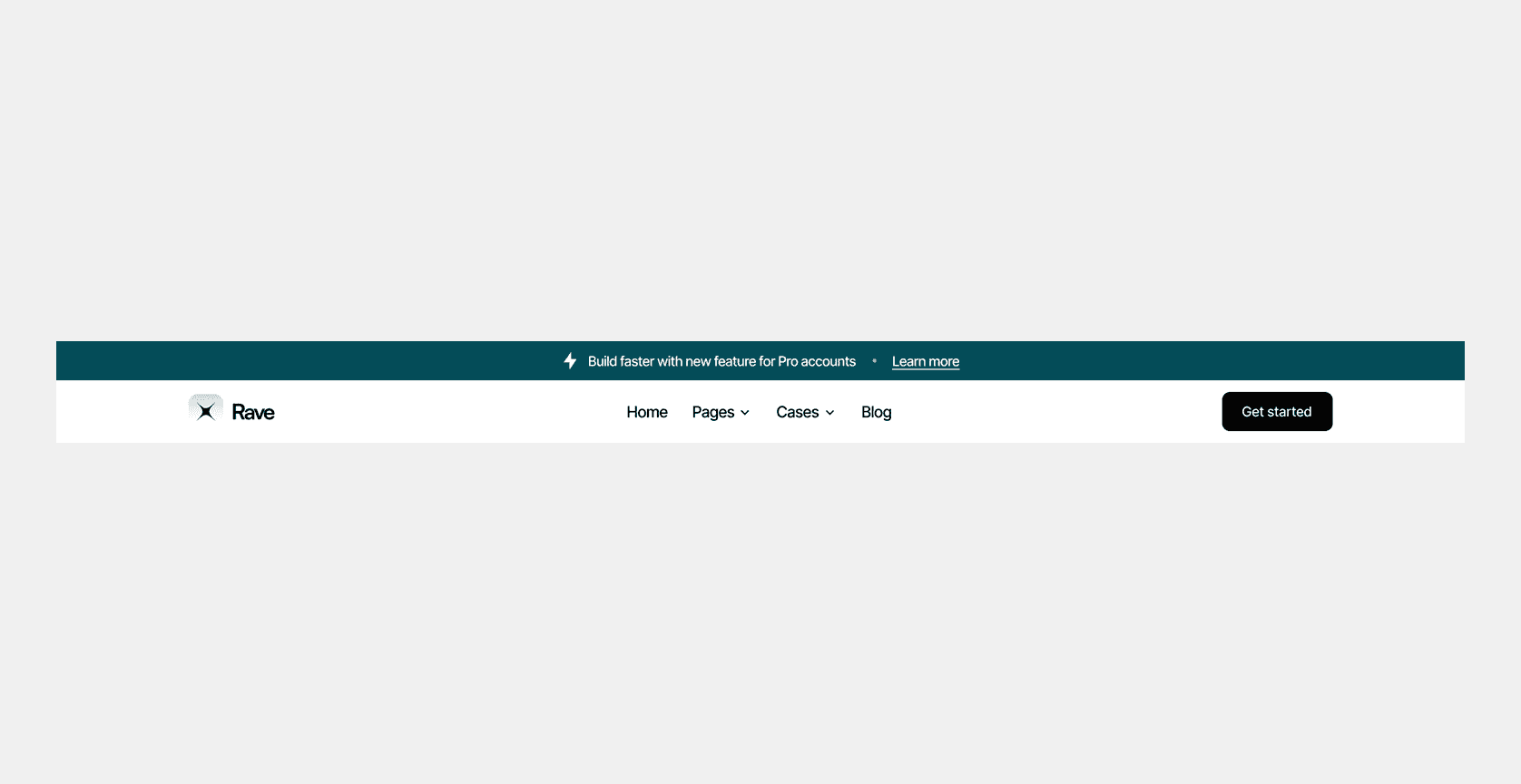
Main menu
To find the main menu, you need to go to Components/Project/Navigation
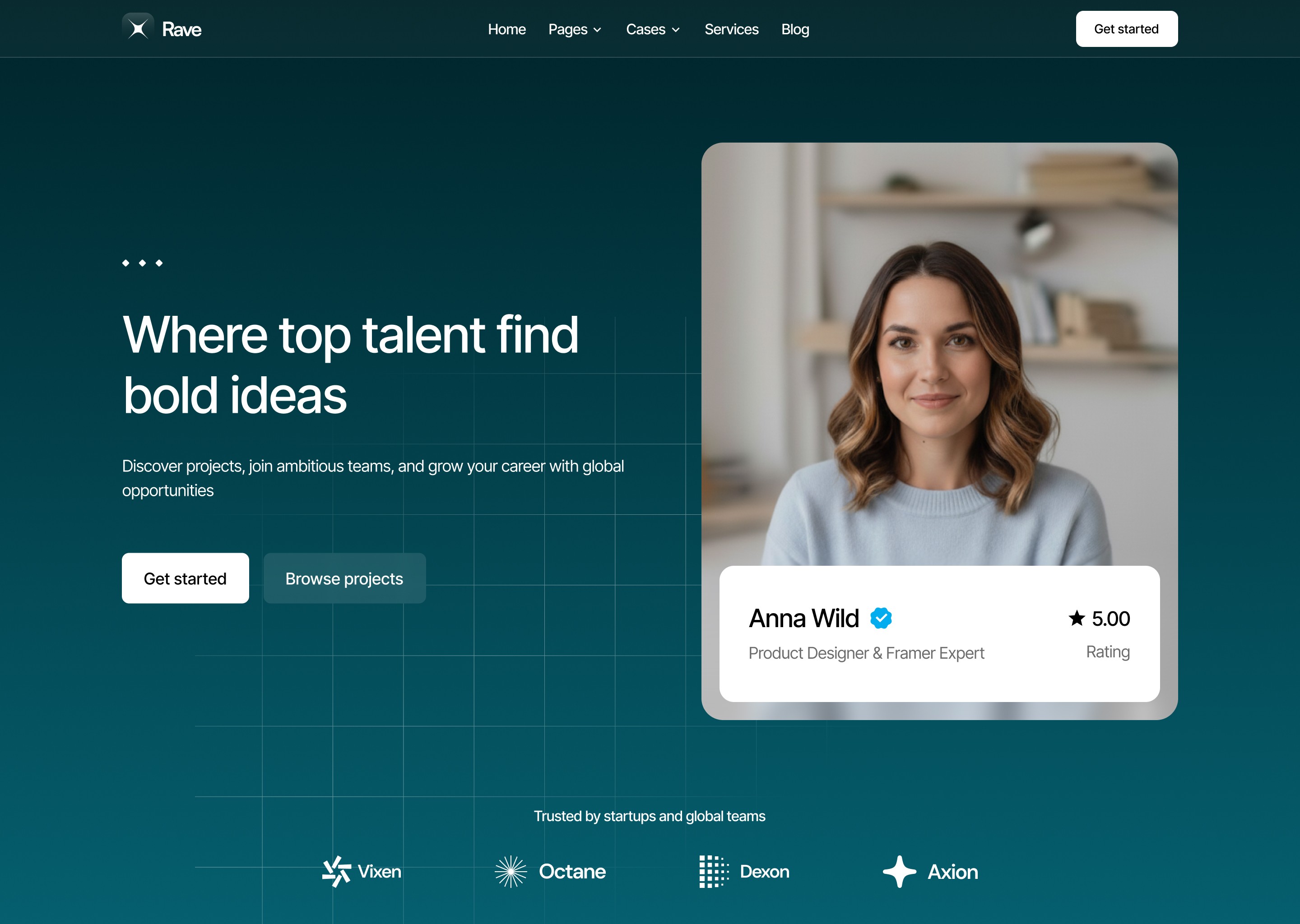
Inverse navigation
This menu is used if you want to use the colored or image hero sections. To find the inverse menu, you need to go to Components/Project/Navigation/Inverse
Drop-down menu
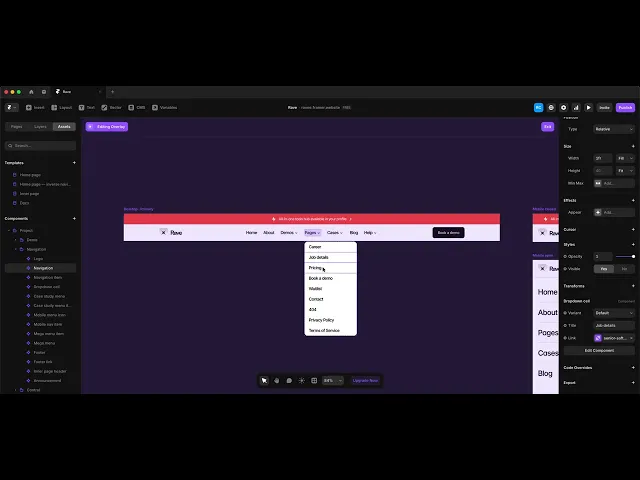
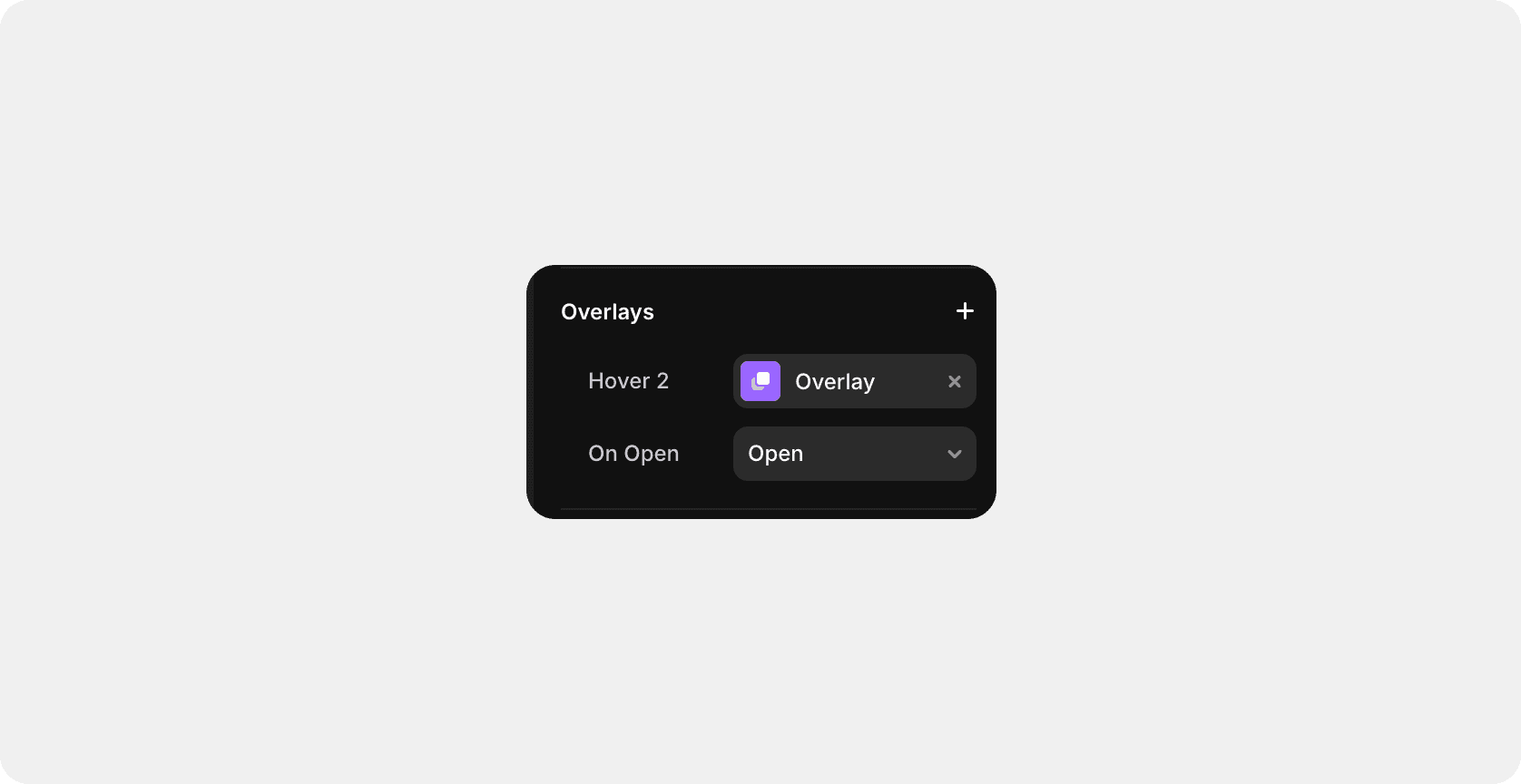
To set up the drop-down menu, you need to go to navigation, select the desired menu item and click Overlay in the right panel.
After that, a drop-down menu will appear on the workspace and you will be able to customize the menu items.
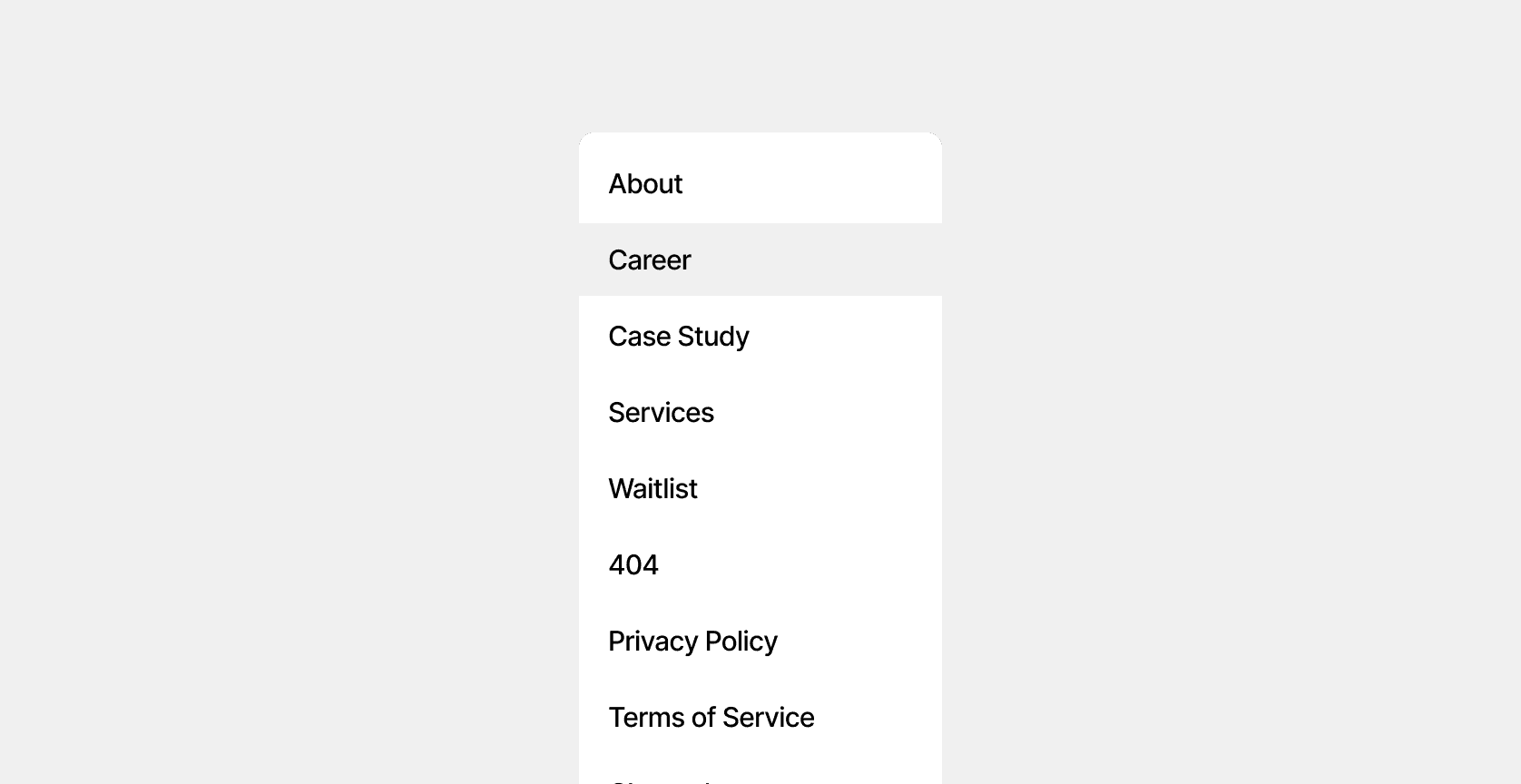
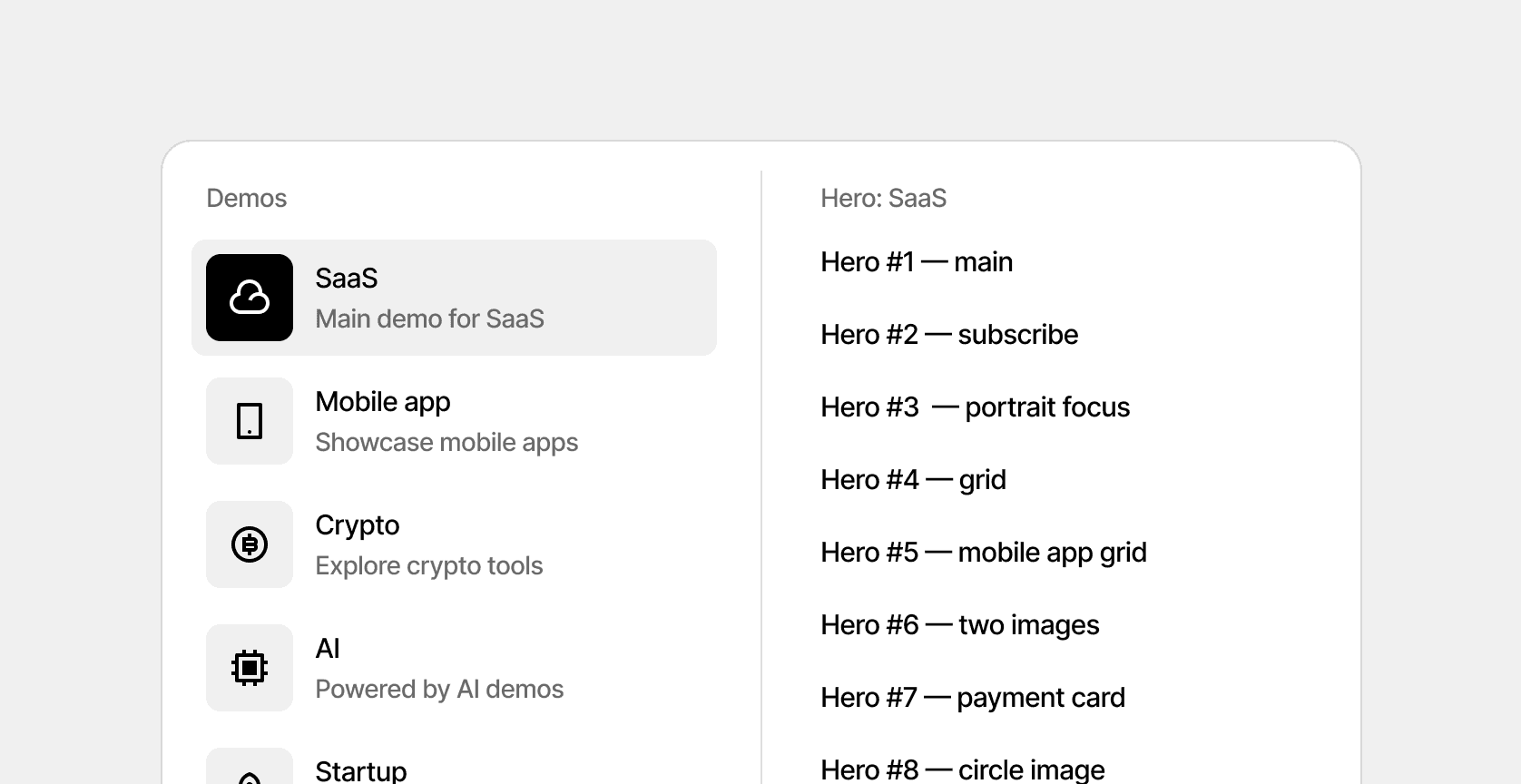
Mega menu
To find the mega menu, you need to go to Components/Project/Mega menu
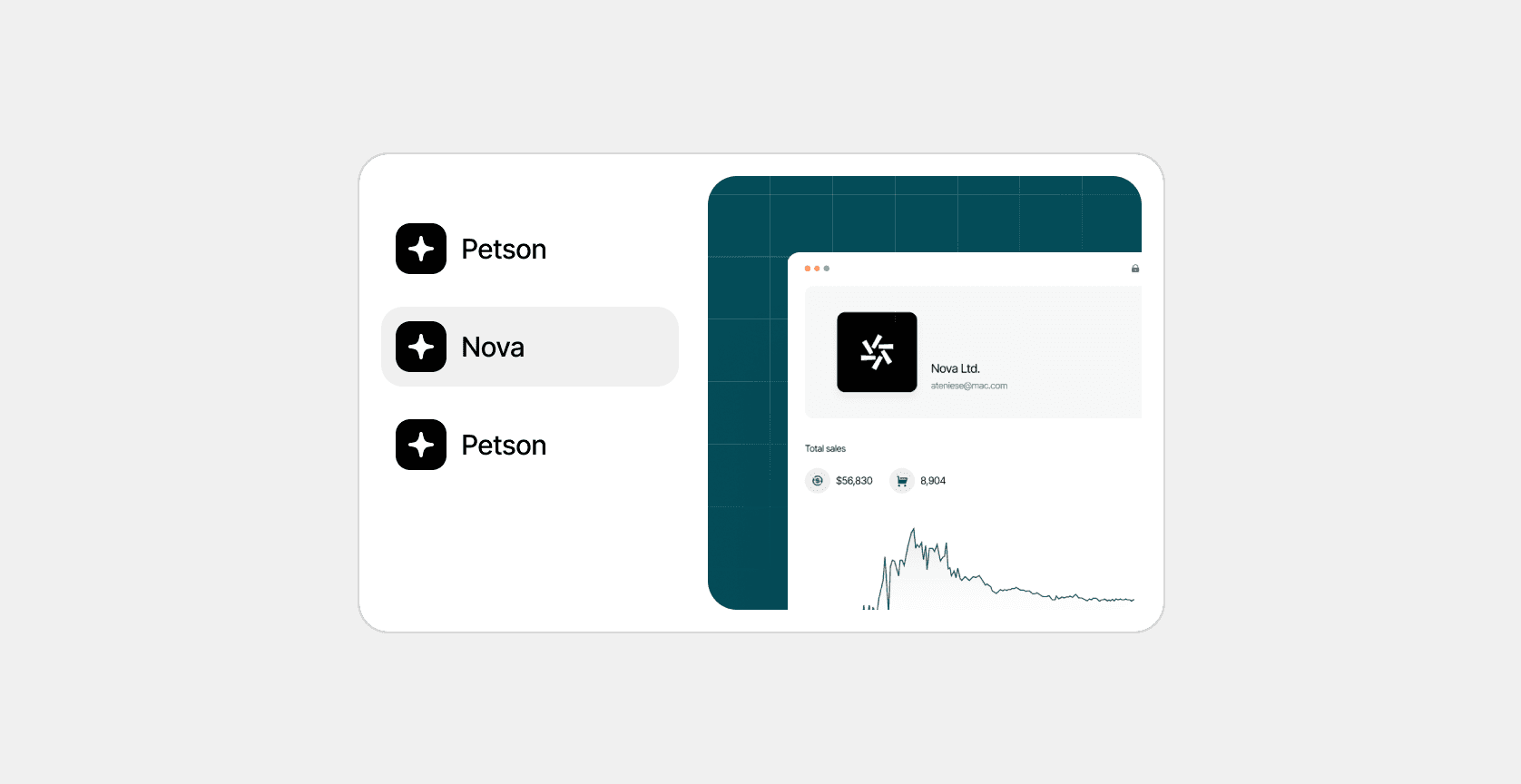
Case study menu
To find the mega menu, you need to go to Components/Project/Case study menu
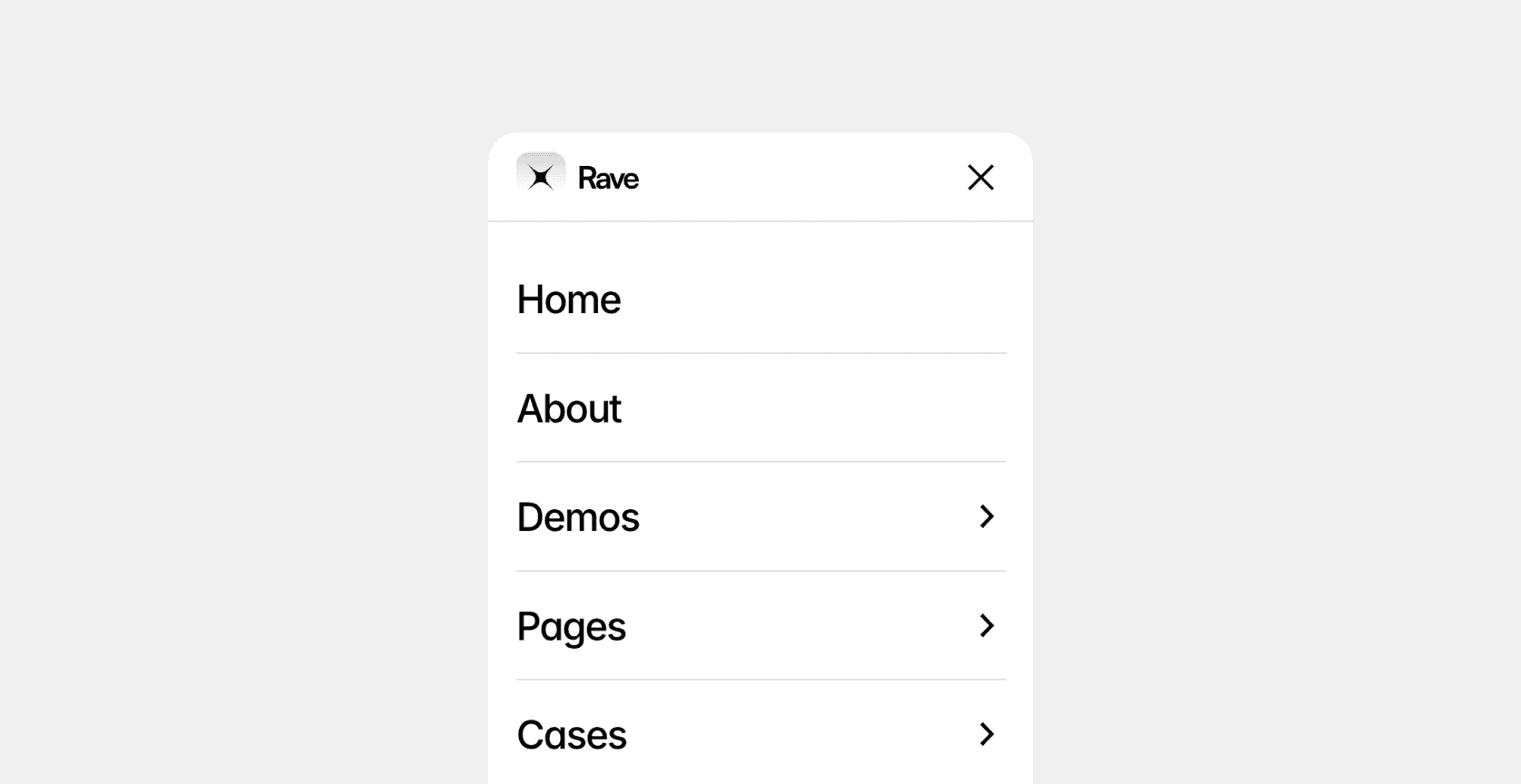
Mobile menu
To set up the mobile menu, you need to go to Assets/Components/Project/Mobile menu
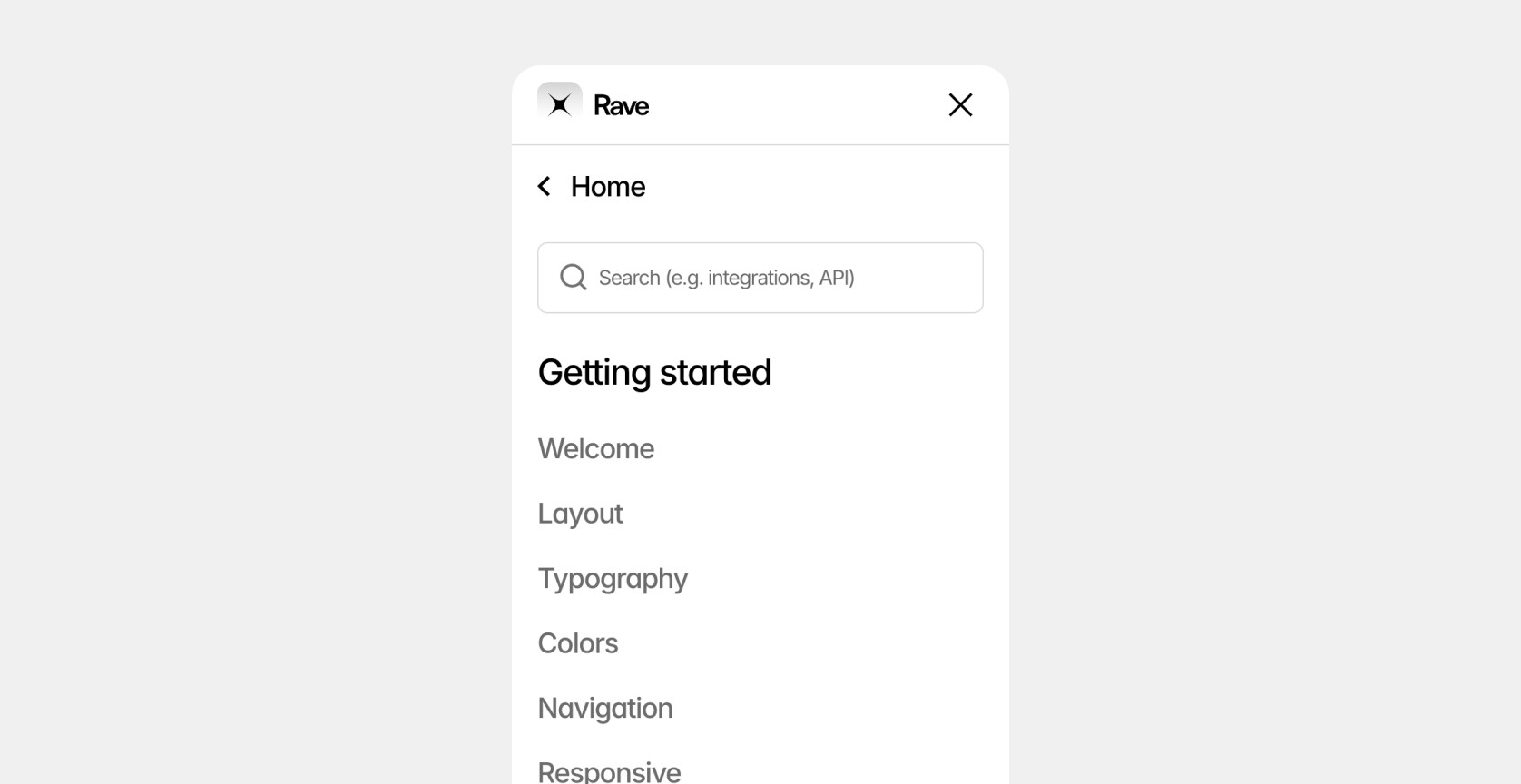
Mobile docs menu
Mobile navigation for the documentation is generated automatically based on CMS articles and documentation categories. You don't need to manually configure it separately, like the basic navigation.
Last updated on
December 21, 2025