


Blog
 1 min read
Blog
About
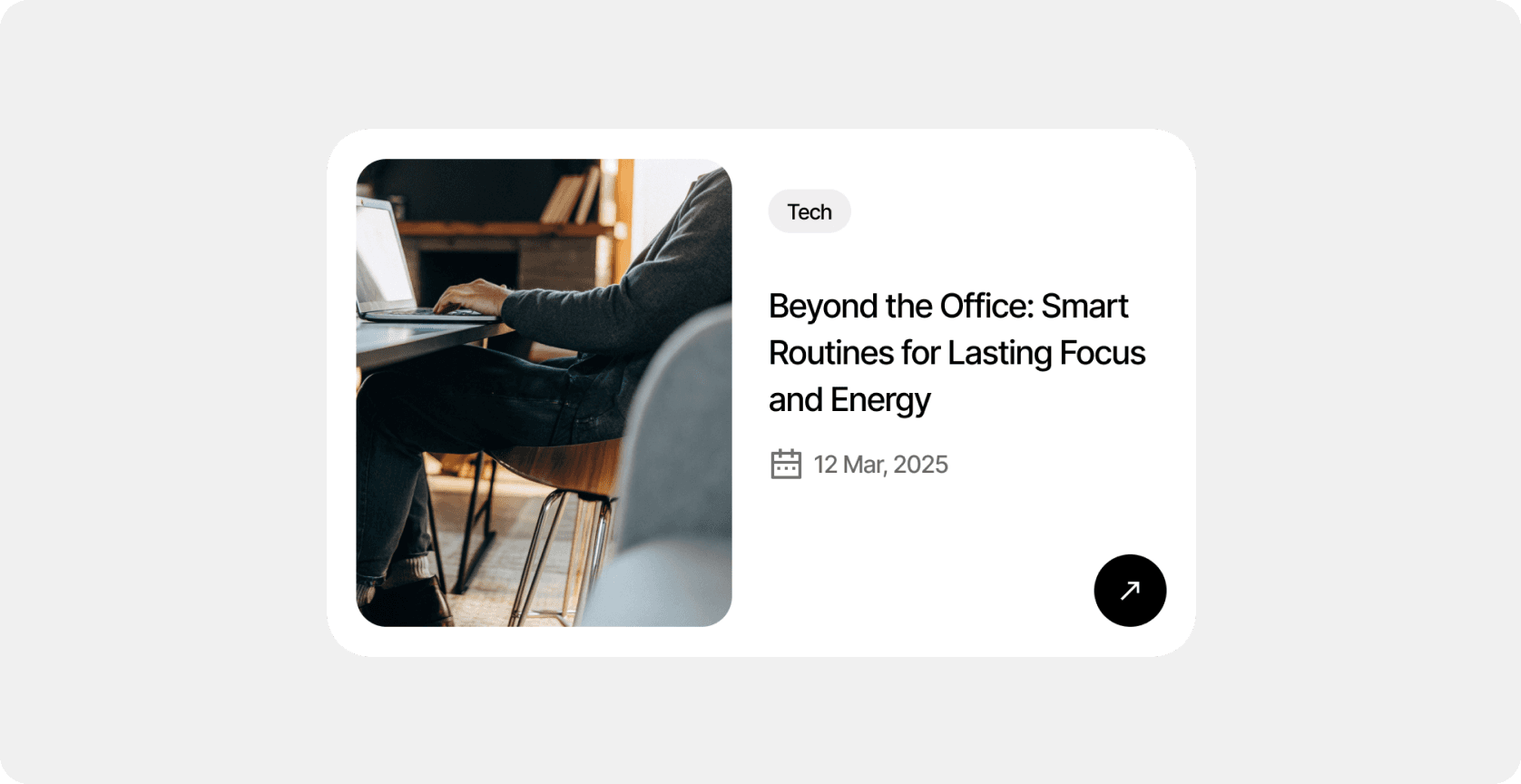
The blog is built using Framer CMS. It allows you to easily add and edit articles, manage covers, categories, and links without modifying the layout.
CMS collections
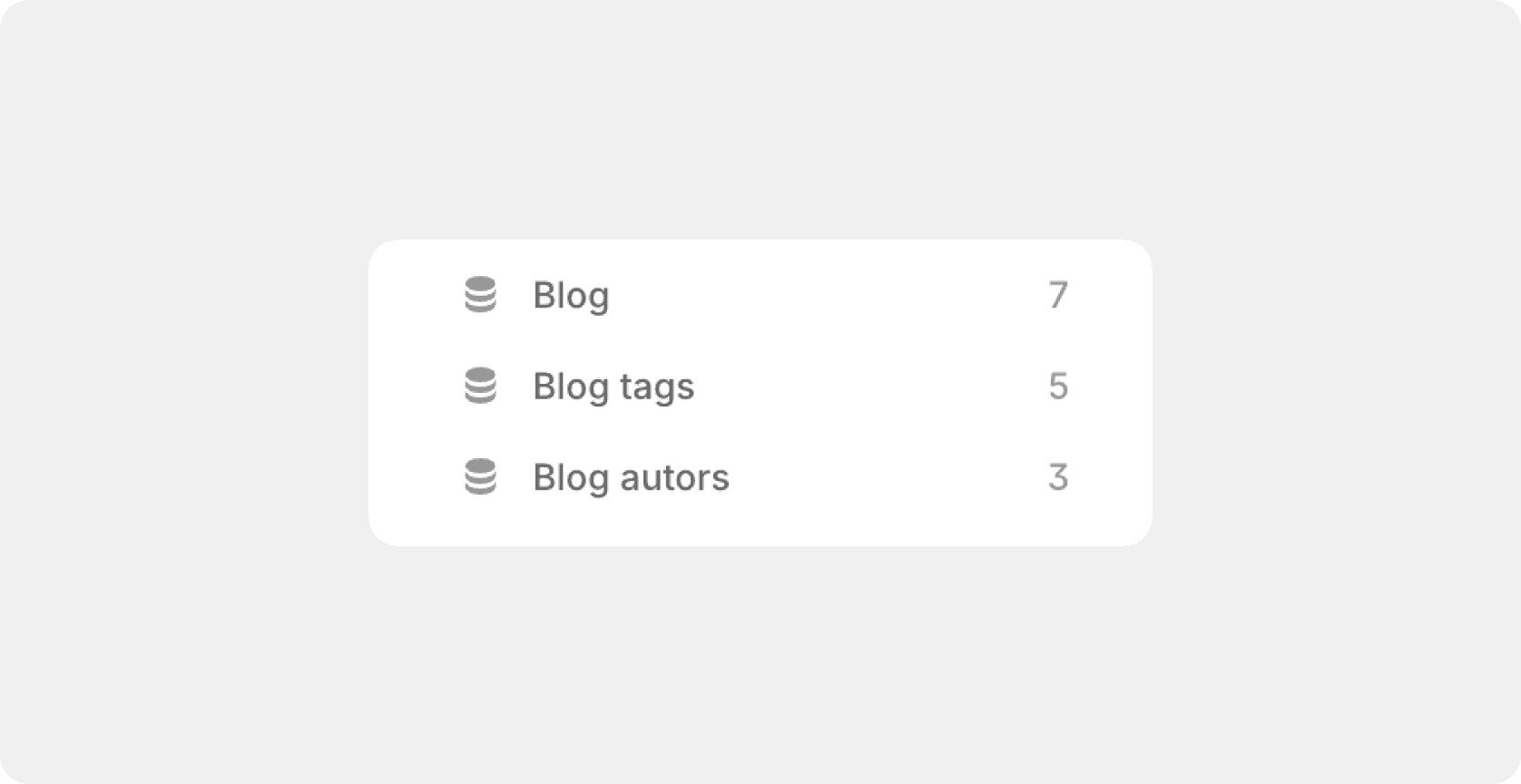
There are 3 collections provided for the blog:
Blog — for creating blog entries
Blog tags — for creating blog tags
Blog autors — for creating blog autors
Blog CMS collection
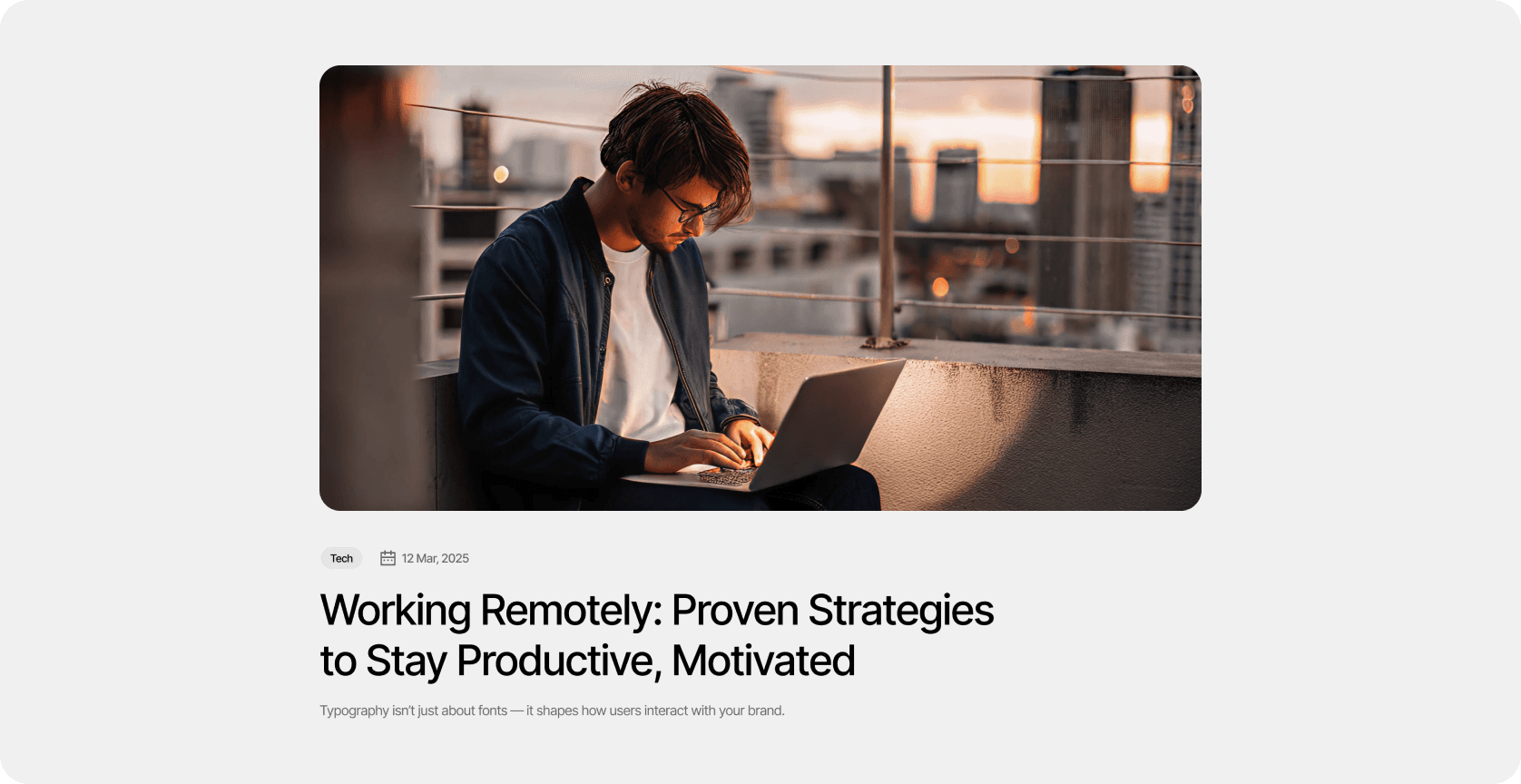
This collection is used for creating and managing blog entries — it stores all essential data for each article, including title, cover image, publication details, author, tags, and the main content displayed on the blog page.
Fields:
Cover — main article image used in previews and post pages
Title — headline displayed in cards and on the article page
Slug — unique URL identifier for each article
Description — short preview text or meta description
Date — publication date shown in the post card and header
Blog author — linked author profile (name, photo, or role)
Blog tag — category or topic tag (e.g., Tech, Design)
Content — main text body of the article
Tag CMS collection
This collection is used to manage blog categories and organize articles by topic. Each tag links multiple posts together under a shared theme or subject.
Fields:
Tag — visible name of the category (e.g., Tech, Design, Business)
Slug — unique URL identifier for the tag page (e.g., tech, design, business)
Autors CMS collection
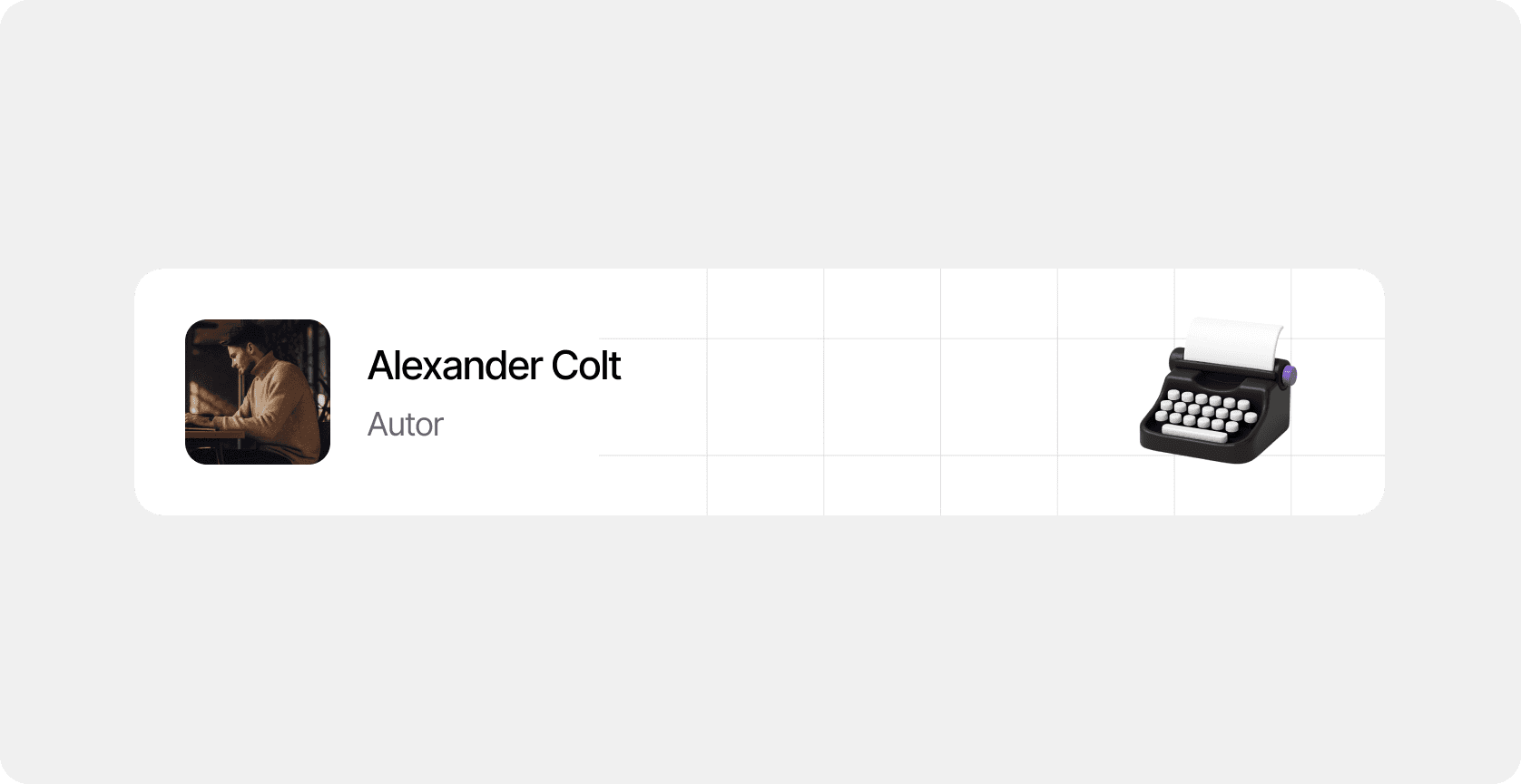
This collection is used to manage author profiles displayed in blog posts. Each record contains personal details.
Fields:
Avatar — author’s profile image
Name — full name displayed on the post page
Role — author’s position or title (e.g., Product Designer, Editor)
Slug — unique URL identifier for the author’s page
Initial blog setup
Configure Blog Tags collection — add tags you’ll use and remove unused ones.
Configure Blog Authors collection — add author profiles (name, role, avatar).
Open Blog Posts collection — ensure fields like Cover, Title, Description, Date, Tag, Author, Content are set up.
Create your first post in the Blog collection — fill in title, cover, date, description, select author and tag, write the content.
Preview the blog — test article links, layout, mobile version — then publish.
Blog grid
The blog supports 3 types of columns:
3 columns
2 columns
list
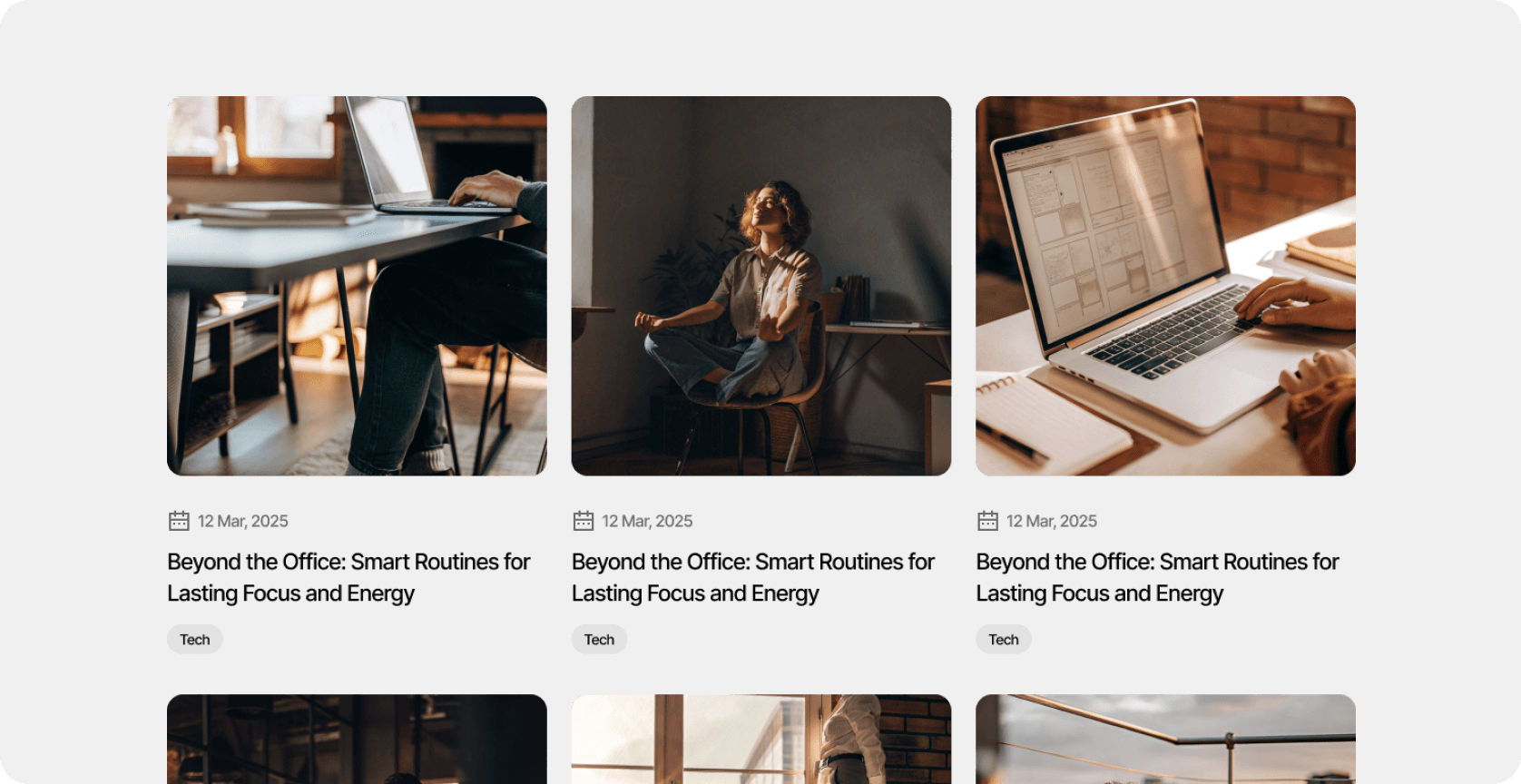
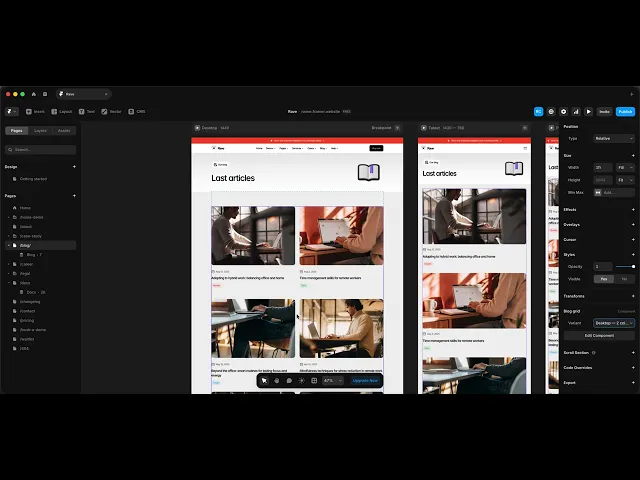
To apply the desired option, simply select the "Blog grid" component in the layers panel and select the desired option in the right Framer panel.
Last updated on
November 1, 2025