


Layout
 1 min read
Layout templates
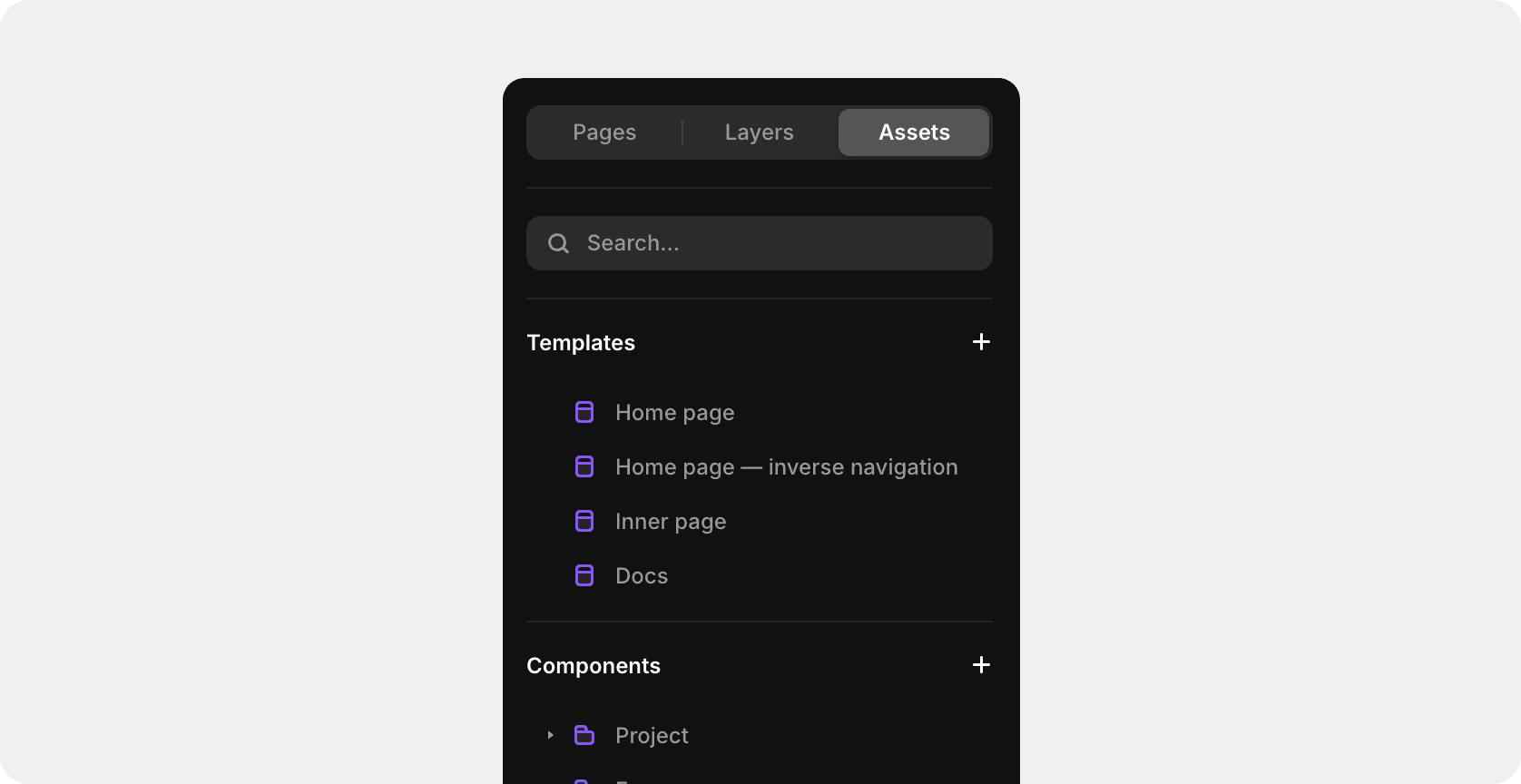
This template uses the Framer feature — "Layout Templates". Footer, Header are now global — change them once, and it updates across all pages. You can find it in the Assets Panel.

Layout template variants
We use 4 variants for layout:
1. Home page
2. Home page — inverse navigation
3. Inner page
4. Docs
How to change layout templates
To start, select the layout with the left mouse button, in the right part of the Framer at the very top you will see a setting where you can change or remove the layout.
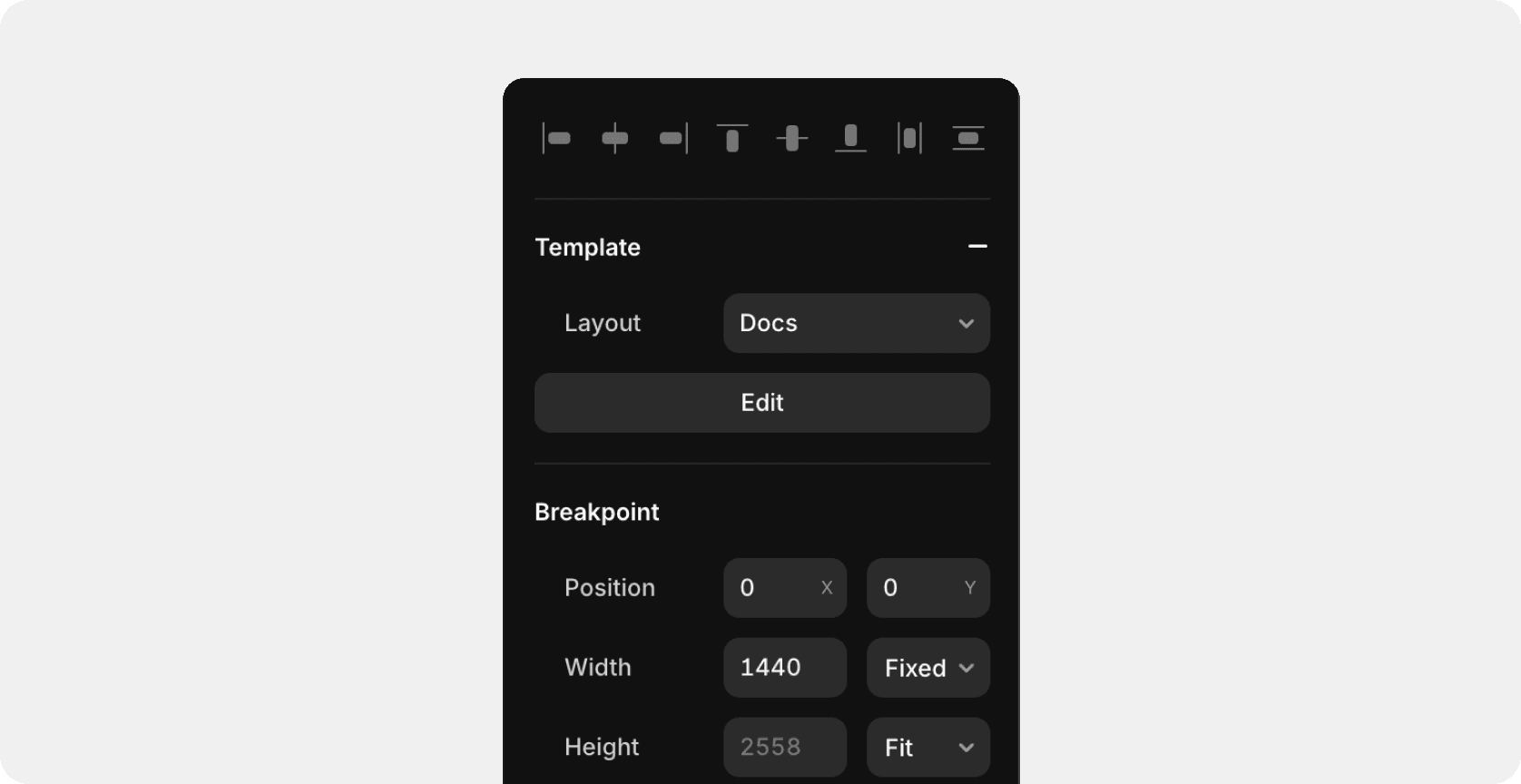
Settings
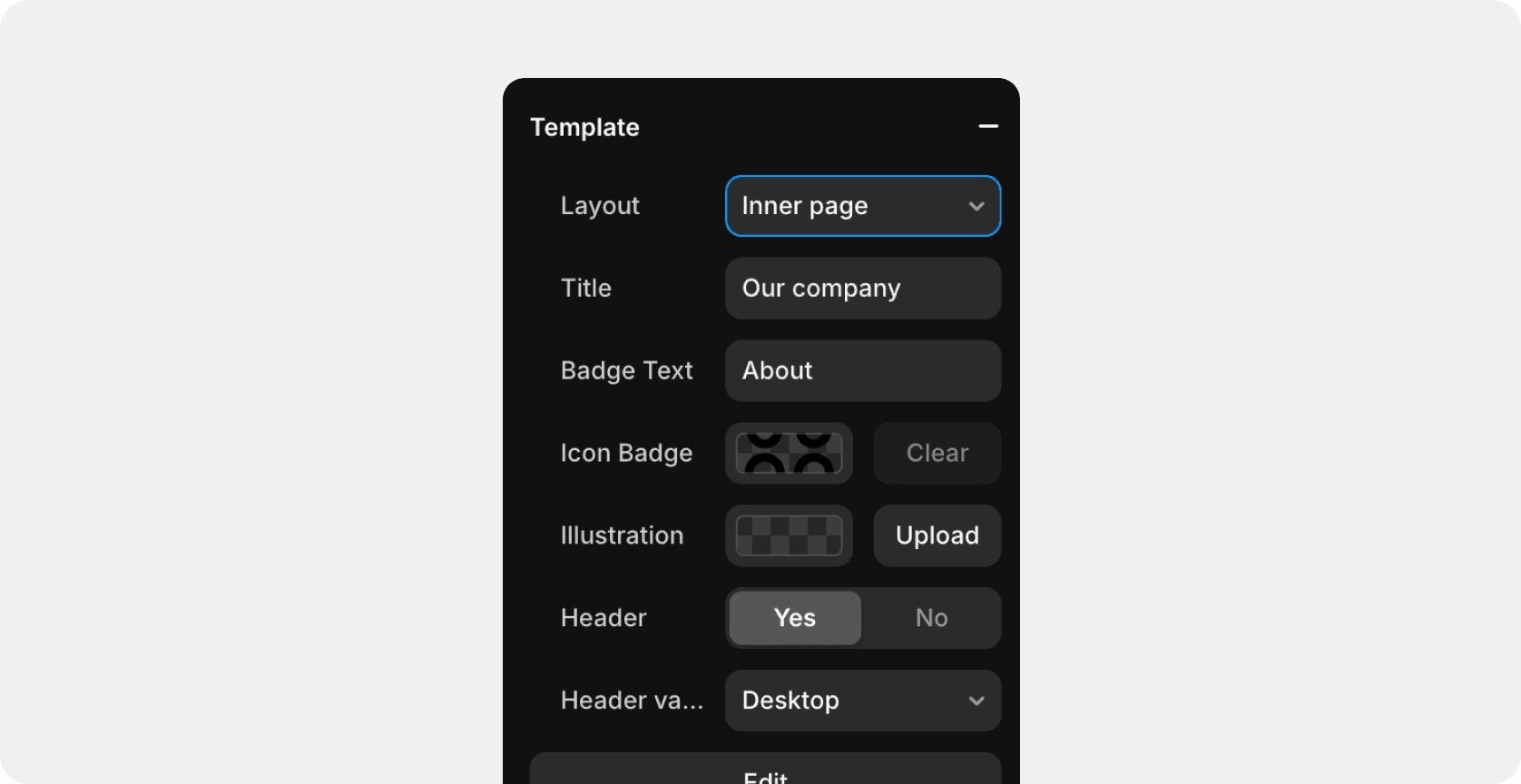
For convenience, some templates are additional settings that you can edit directly in the legal field of the creator. For example, in the "Inner Page" template, you can add a title, badge text, etc.
Last updated on
October 20, 2025